
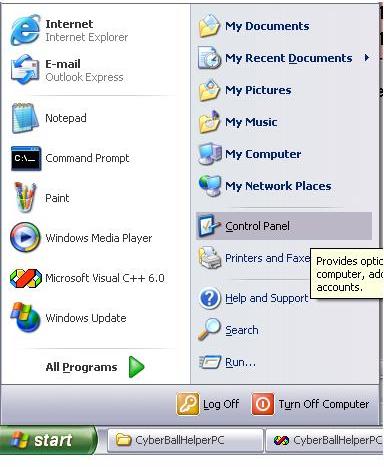
WARNING: VISTA and Internet Explorer limitations:
It appears that Cyberball 3.0 is having difficulties with Vista, and new Internet Explorer versions (after version 6).In our lab, we use Windows XP and keep the IE version: 6.
We have not yet been able to solve this problem, so if you are able to use IE version with Windows XP, you will have more success.
Setup:
Keep the folder structure intact. All the files are in their proper places.
You can move and rename the top level folder but make sure you preserve the
file and folder names and location inside. CyberBall3 relies on having consistent
folder names while running from within the browser.
Starting:
Double-click the CyberBall
icon. Select a settings file and enter the user ID.
Important Info:
CyberBall 3 is a Java Applet that runs inside a web browser. To run properly
on Mac OS 9 the swingall.jar file must be in place. To run properly on
Windows the Sun Java Runtime Environment (JRE) must be installed and Sun
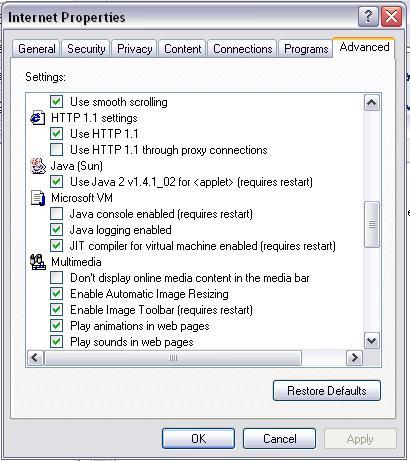
Java 2 for applet must be selected in the Internet Properties.
Changes:
Help:
If you have problems installing or find bugs, please contact Kip
Williams